
Guides
From the box to the sky.
Short, step-by-step guides in the order you’ll need them. Each one takes a few minutes.
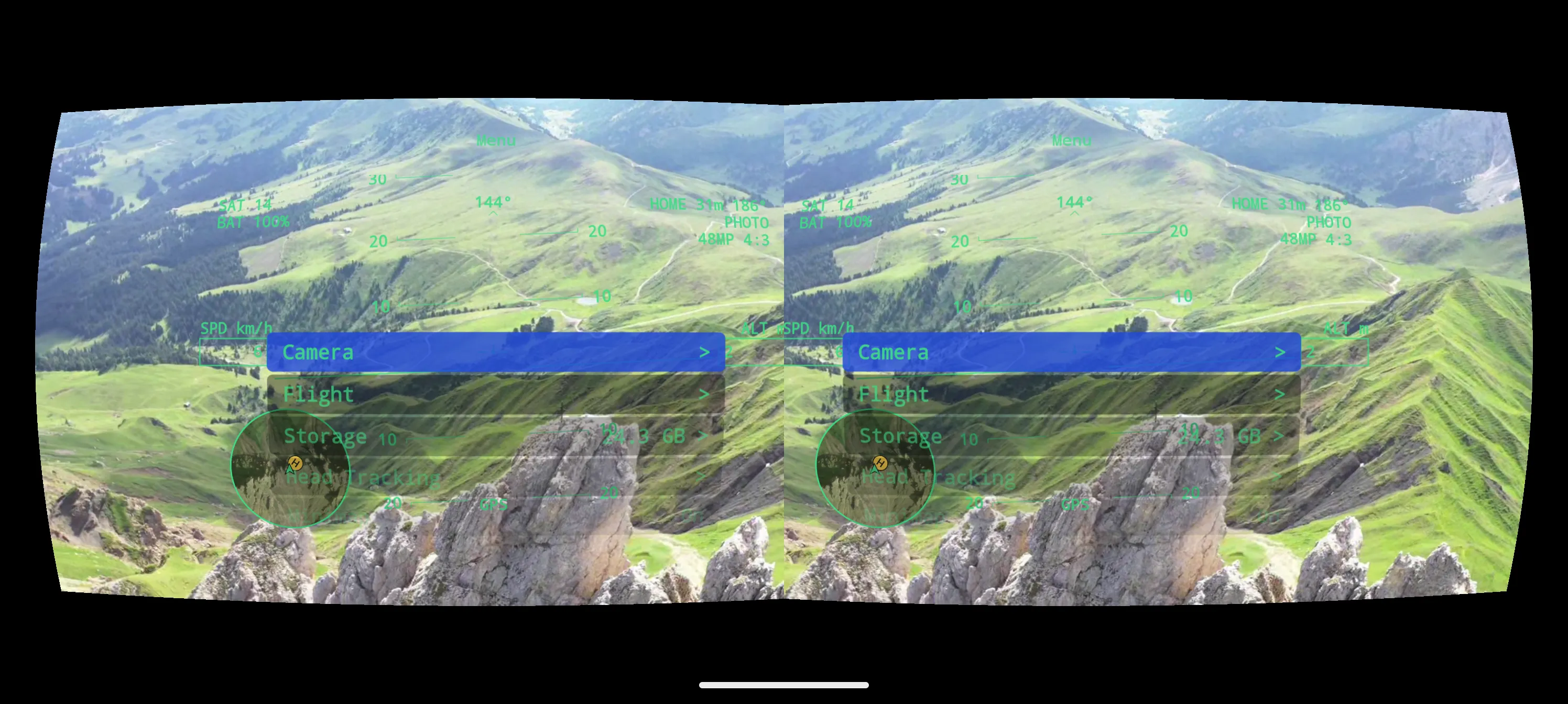 Guide 01 · 3 min · DroneXR Android
Try the Demo
Experience DroneXR in VR with a simulated flight — no drone, no controller, no purchase.
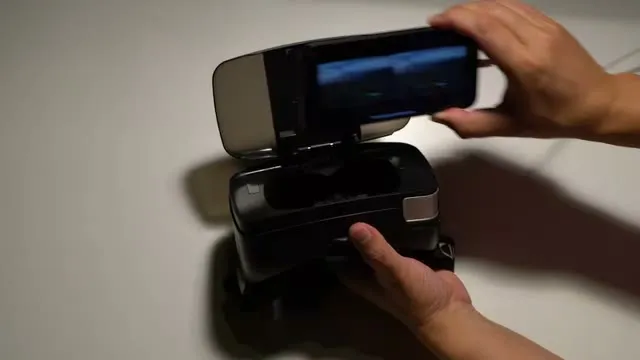 Guide 02 · 6 min · DroneXR Android
Choose and set up your headset
Pick a phone-in VR headset that works with DroneXR, then calibrate it once so the image is sharp and comfortable.
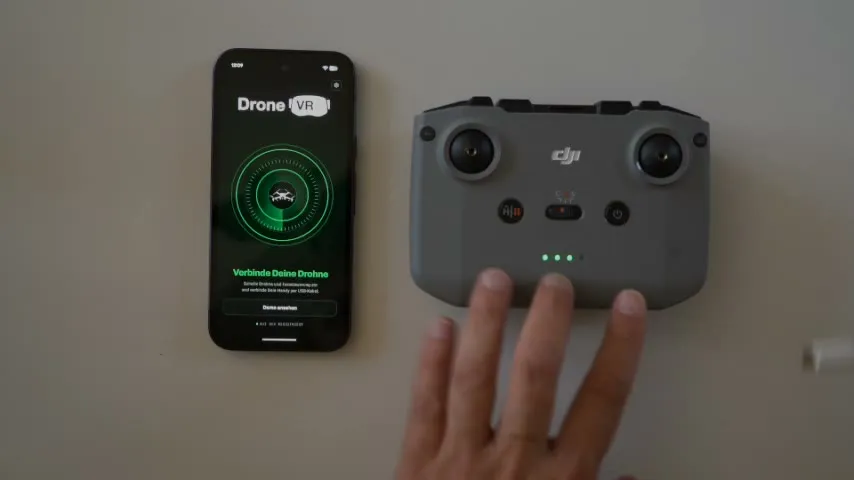 Guide 03 · 4 min · DroneXR Android
Connect your drone
Plug your phone into the remote controller, register once with DJI, and get ready to fly.
 Guide 04 · 6 min
Your first FPV flight
Read the HUD, keep your bearings, and fly safely with your eyes in the sky.
- Guide 05 · 4 min · DroneXR Android
The in-flight menu
Change camera, flight and head-tracking settings mid-air, without taking the headset off.
 Guide 06 · 3 min · DroneXR Android
Head tracking
Turn your head and the drone’s camera follows — the most immersive way to fly.
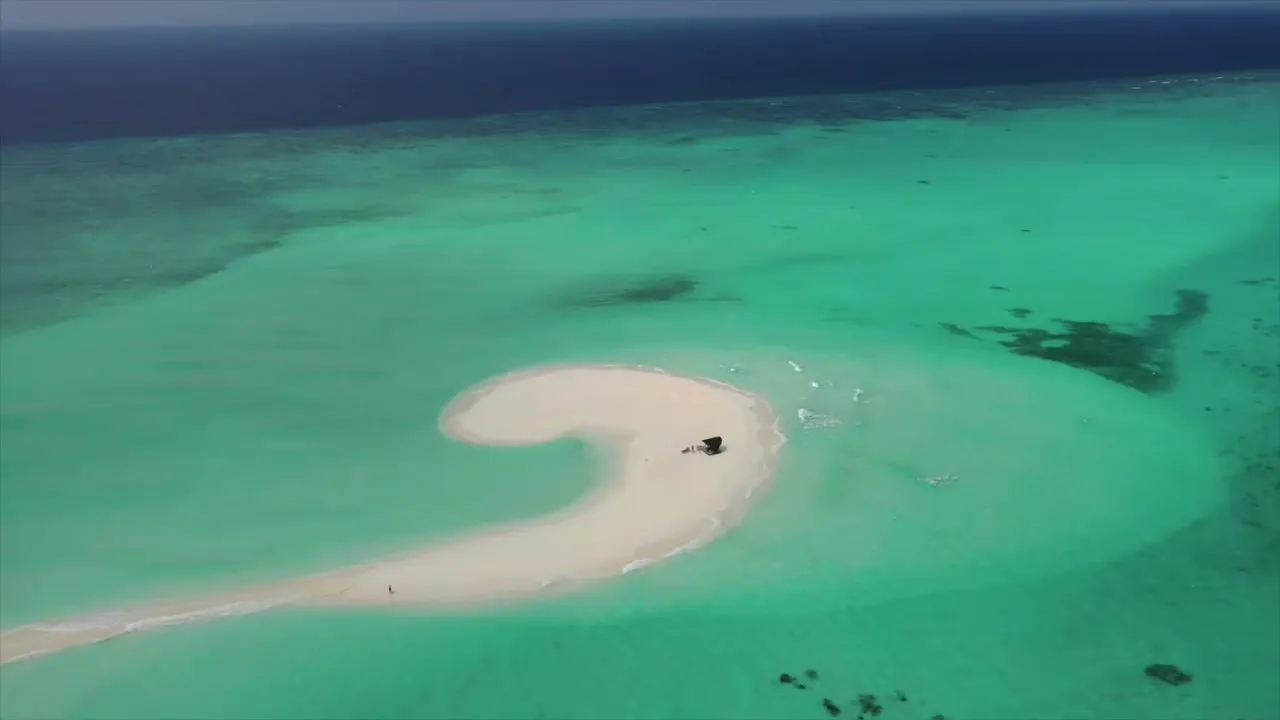 Guide 07 · 4 min · DroneXR Android
Photos, video & sharing
Capture with your drone’s camera from the headset, and share moments of the live view in seconds.
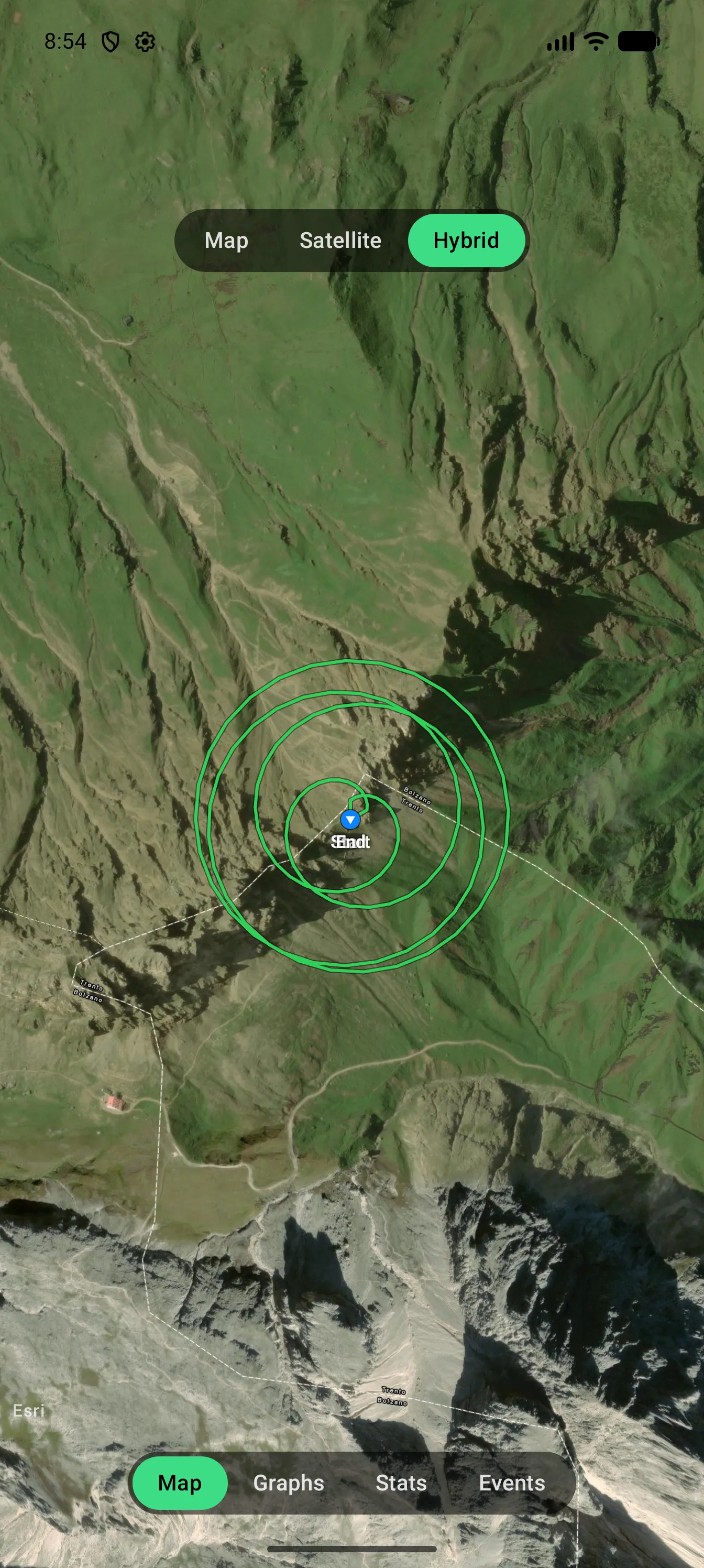 Guide 08 · 3 min · DroneXR Android
Flight logs
Revisit every flight — your track on a map, graphs, statistics and events.