
Guide 08 · 3 min · DroneXR Android
Flight logs
Revisit every flight — your track on a map, graphs, statistics and events.
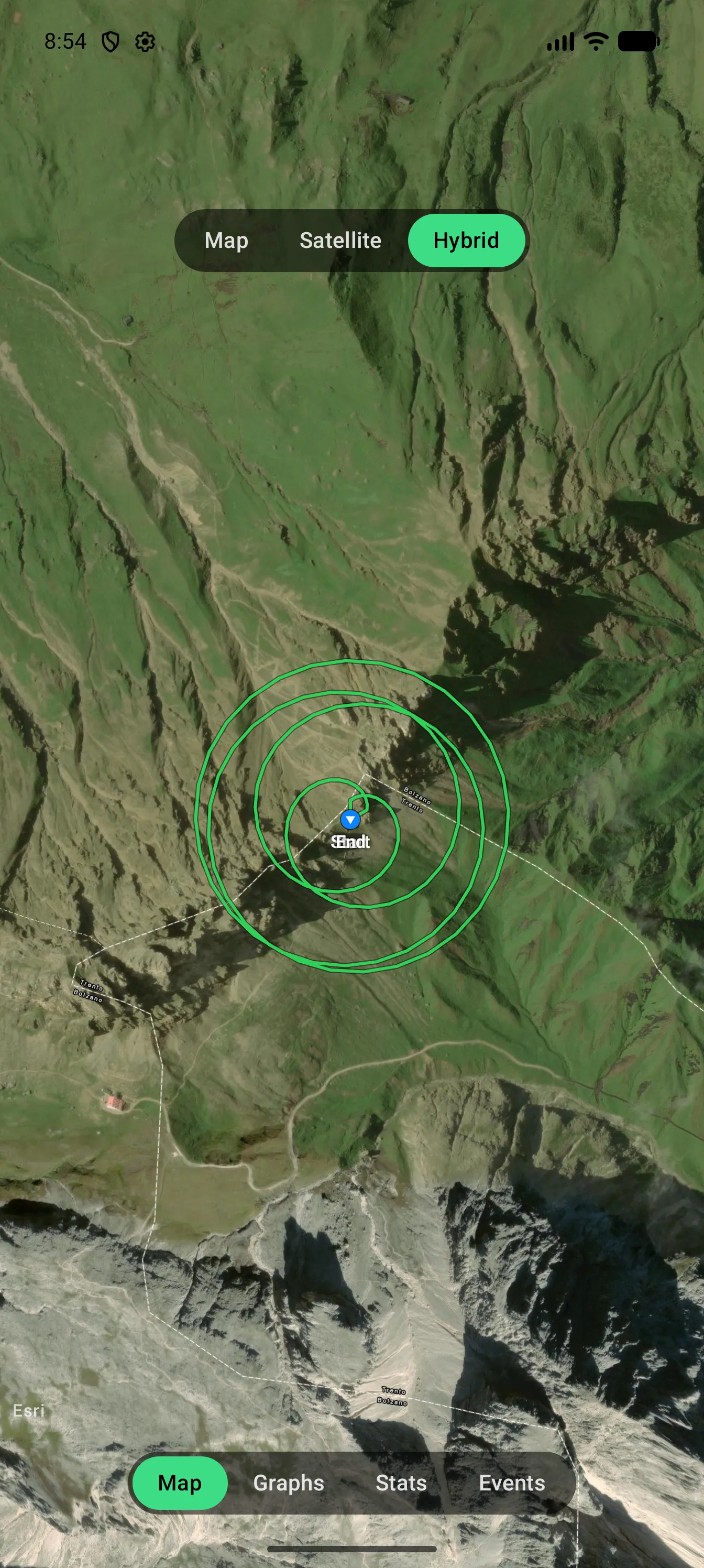
DroneXR records each flight automatically while the drone is in the air. Logs are stored on your phone only.
Open a flight
- Open Settings → Flight Logging. Logging is on by default; here you can also set how often it records.
- Under Logs, tap a flight.
- Switch between the tabs:
- Map — your track, on a map, satellite or hybrid background.
- Graphs — distance, altitude, speed, signal, satellites and battery over time.
- Stats — minimum, average and maximum values, plus duration and aircraft.
- Events — warnings and messages the drone reported during the flight.
Export and back up
Tap Share on a flight to export it as GPX — for Google Earth and most mapping tools — or as a complete DroneXR log that can be imported again. Export all flights saves every flight as one ZIP file, and Import flights brings them back, for example on a new phone.